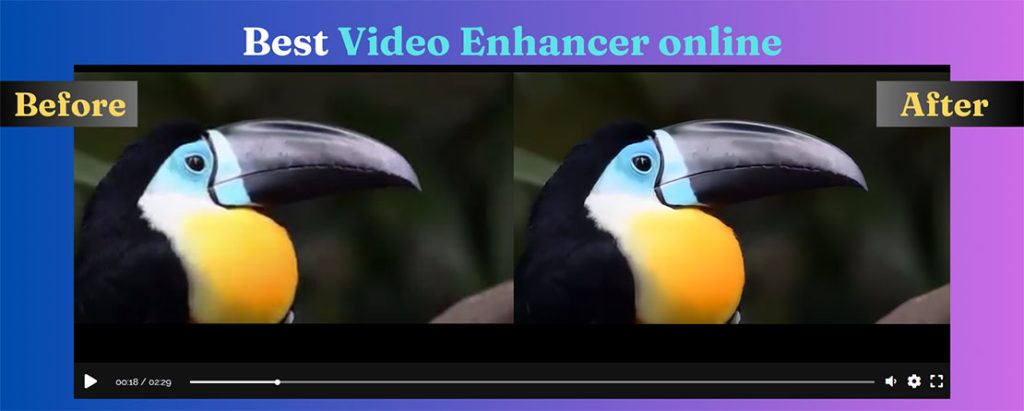

Enlarging a small photo in a normal editor just makes the pixels bigger: the result looks soft and blocky. AI upscalers instead reconstruct plausible detail, so a small picture can be printed or used on a large screen.
When it helps
- Old or small photos for printing.
- Product images that must be larger for a store.
- Screenshots and graphics for slides.
- Thumbnails and social images from small sources.
2x or 4x?
2x is usually the most natural. Use 4x when the source is very small or the output must be large. Beyond that, the AI is inventing more than it is recovering.
Online
The AI image upscaler enlarges JPG and PNG pictures 2x or 4x, adds detail, removes noise and keeps edges sharp. You can upload several images, compare before and after, and download PNG.
Limits to know
- AI can’t read text that is unreadable in the original; it may invent letters.
- Faces can look too smooth; compare with the original.
- Heavily compressed JPGs: the AI may sharpen the artifacts too.
For video
The same idea for moving pictures: upscale video online.